



The Number One Google Search Scam Everyone Falls For
NEWNow you can listen to News articles!
When something goes wrong with your bank account or your delivery, your first instinct might be to type the company name into Google and call the first customer service number you see. But that simple search has become one of the biggest traps for scammers and is costing people money, privacy, and even control over their phones.
Sign up to receive my FREE CyberGuy report
Get my best tech tips, urgent security alerts, and exclusive offers delivered straight to your inbox. Plus, you’ll get instant access to my Ultimate Guide to Surviving Scams, free when you join me CYBERGUY.COM information sheet.
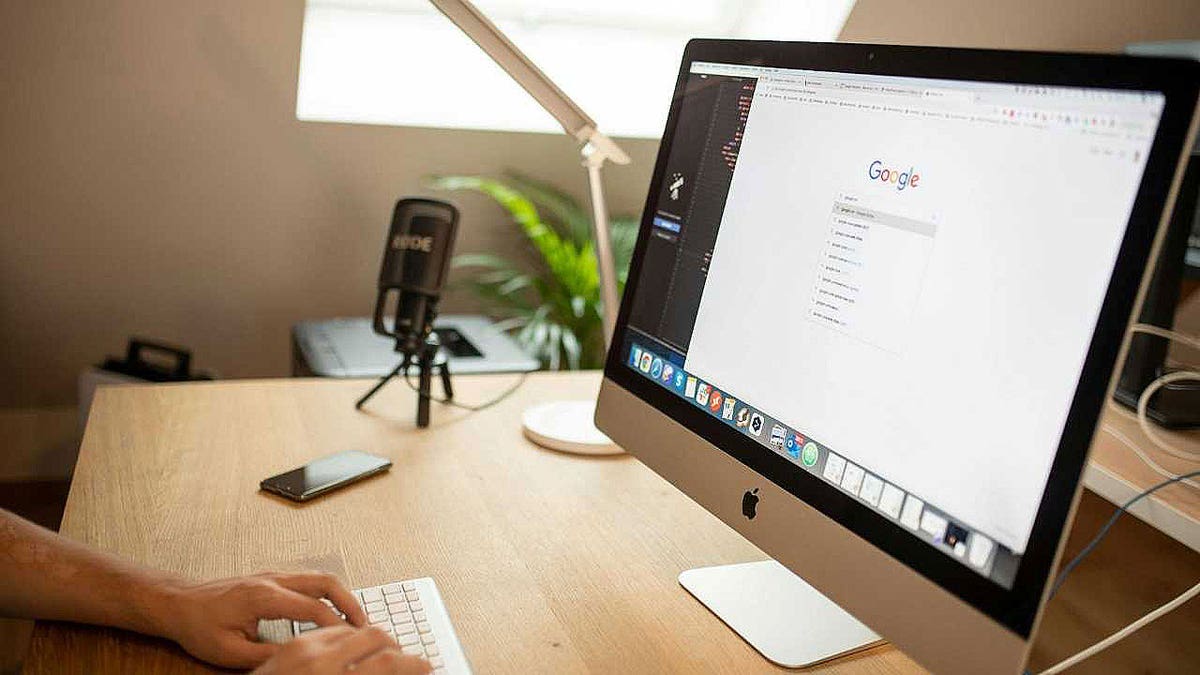
A simple Google search for a company’s customer service number can lead directly to a scam. The first result is not always the safest. (Kurt “CyberGuy” Knutsson)
He Googled his bank number and lost control of his phone.
That’s how one man’s quick search for help turned into a nightmare he never expected. Gabriel wrote to us in anguish, asking us:
“I called my bank to verify some charges that I had not authorized. I called the number on the bank statement, but they told me to connect. I Googled the company and dialed the first number that came up. A foreign guy got on the phone and I explained the charges. Somehow, he took control of my phone, where I had no control. I tried turning it off and hanging up, but I couldn’t. He ended up sending an explicit text message to my 16-year-old daughter. How I prove that I didn’t send that message? Please help.”
Gabriel’s story is terrifying and, sadly, not uncommon. This type of attack is called remote access. support scam. Scammers pose as a bank or tech support company and then trick you into installing a program that gives them control of your device. Once inside, they can steal passwords, send messages, or block you completely.
WHATSAPP BANS 6.8 M SCAM ACCOUNTS AND LAUNCHES SECURITY TOOL
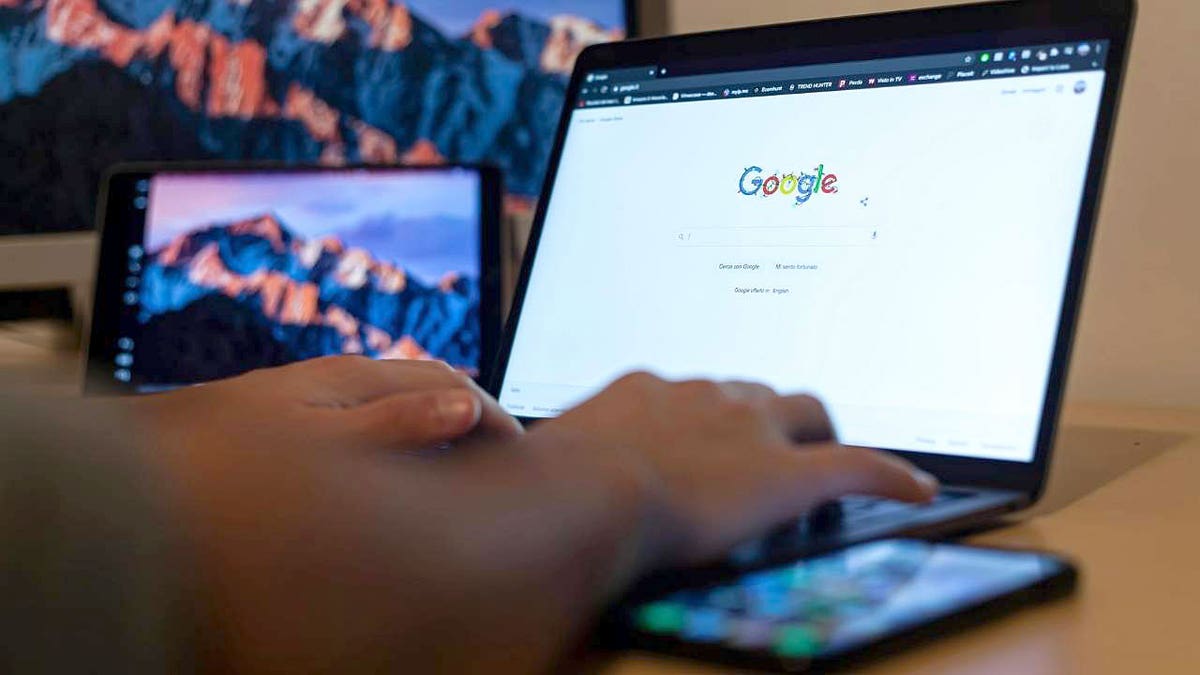
Gabriel thought he was calling his bank, but the number was fake. Within minutes, a scammer took control of your phone and invaded your privacy. (Kurt “CyberGuy” Knutsson)
Why does this scam work?
Search engines reward paid ads. Scammers take advantage of this by purchasing advertising space to appear above legitimate customer service numbers. The fake pages look professional, with company logos and 800 numbers that look real.
Once you call, the fake “agent” seems knowledgeable and polite. They build trust and then convince you to install remote access software like AnyDesk or TeamViewer. From that point, they can control everything on their phone.
What to do if this happens to you
Gabriel, what you went through is incredibly disturbing and you are right to take it seriously. Here’s what you should do right away:
1) Unplug and secure your phone
Turn off your phone immediately. Restart it in airplane mode and don’t connect to Wi-Fi yet. Run a full antivirus scan with powerful antivirus software.
2) Change all your passwords
Use a secure, uncompromised device to reset passwords for your key accounts, including email, cloud storage, carrier, and banking logins. Create strong, unique passwords for each account and enable two factor authentication (2FA) for added protection on all your devices and platforms.
Next, check to see if your email has been exposed in previous breaches. Our number one password manager (see Cyberguy.com) includes a built-in breach scanner that checks to see if your email address or passwords have appeared in known breaches. If you discover a match, immediately change any reused passwords and protect those accounts with new, unique credentials.
Check out the best expert-reviewed password managers of 2025 at Cyberguy.com
3) Contact your operator and your bank
Inform your phone provider that your device has been assumed. Ask them to check for unauthorized remote management apps or SIM swapping activity. Notify your bank’s fraud department and report the fake number you found on Google.
4) Report the explicit message
Take screenshots and save everything. Contact local police and explain that the message was sent from your number while your phone was under remote control. If a minor is involved, the case may be referred to the FBI’s Internet Crime Complaint Center (IC3.gov).
5) Factory reset your phone
Once your data is endorsedperform a factory reset on your iPhone or Android to remove any hidden software. Reinstall only apps that you recognize in the official app store.
HOW TO STOP IMPOSTER BANK SCAMS BEFORE THEY DRAIN YOUR WALLET

Scammers use fake customer service numbers to appear convincing and gain remote access to your devices, turning a simple call for help into a digital takeover. (Kurt “CyberGuy” Knutsson)
Tips to stay safe from fake customer service scams
Anyone can fall for a fake customer service number, especially when you are in a hurry or worried about your account. Here’s how to make sure you never get taken in by the same type of scam that hijacked Gabriel’s phone.
Go directly to the company’s official website.
Always write down the company’s web address yourself or use the contact number printed on your card or statement. Scammers often create fake numbers that appear in search results, hoping you will call them instead of your real bank.
Don’t trust the first search result on Google
Search engines sell advertising space to anyone, including criminals posing as real companies. Those top “sponsored” listings can lead directly to scammers. Instead, scroll down until you find the official domain that ends in .com, .org, or .gov.
Never allow remote access to your phone or computer
No legitimate company needs to monitor your device to verify charges or resolve an account issue. If someone asks you to install software like AnyDesk or TeamViewer, hang up immediately. These tools give strangers complete control of your screen and data.
Hang up if the caller pressures you to act quickly
Scammers rely on panic. When someone insists that you act “right now” or risk losing money, it’s a warning sign. Stay calm, hang up and verify the problem through your bank’s official website or number.
Use strong antivirus protection
Install and regularly update a reliable antivirus application. Strong antivirus software can block remote access tools and spyware before scammers gain access. Regular scans also detect hidden threats that may already be on your phone or computer.
The best way to protect yourself from malicious links that install malware and potentially access your private information is to have powerful antivirus software installed on all your devices. This protection can also alert you to phishing emails and ransomware scams, keeping your personal information and digital assets safe.
Get my picks for the best antivirus protection winners of 2025 for your Windows, Mac, Android, and iOS devices at Cyberguy.com
Consider using a data removal service
Many scammers find victims through data brokers who sell phone numbers and personal data. A data removal service helps delete your information from these sites. As a result, it is more difficult for criminals to target you with fake customer service scams.
While no service can guarantee complete removal of your data from the Internet, a data deletion service is truly a smart choice. They are not cheap, and neither is your privacy. These services do all the work for you by actively monitoring and systematically deleting your personal information from hundreds of websites. It’s what gives me peace of mind and has proven to be the most effective way to delete your personal data from the Internet. By limiting the information available, you reduce the risk of scammers cross-referencing leak data with information they can find on the dark web, making it harder for them to target you.
Check out my top picks for data removal services and get a free scan to find out if your personal information is already available on the web by visiting Cyberguy.com
Get a free scan to find out if your personal information is already available on the web: Cyberguy.com
Monitor your identity with a trusted protection service
Even a brief breach can expose your private information. Identity monitoring tools alert you when your name, email, or Social Security number appears on the dark web. That gives you time to act before scammers can use it.
Identity theft companies can monitor personal information such as your social security number (SSN), phone number, and email address, and alert you if it is sold on the dark web or used to open an account. They can also help you freeze your bank and credit card accounts to prevent further unauthorized use by criminals.
See my tips and best options on how to protect yourself from identity theft at Cyberguy.com
CLICK HERE TO DOWNLOAD THE News APP
Kurt’s Key Takeaways
The Internet has made getting help easier than ever, but it has also made it easier for scammers to pretend to be helpful. The main way people are scammed today is not through phishing emails or suspicious links; It is by relying on fake phone numbers that look official. Take a few minutes to save the actual customer service numbers for your bank, phone provider, and credit card company. A quick call to the wrong number could give a stranger access to your entire digital life.
With fake customer service numbers flooding search results, should Google be held responsible for protecting you from these scams? Let us know by writing to us at Cyberguy.com
Sign up to receive my FREE CyberGuy report
Get my best tech tips, urgent security alerts, and exclusive offers delivered straight to your inbox. Plus, you’ll get instant access to my Ultimate Guide to Surviving Scams, free when you join me CYBERGUY.COM information sheet.
Copyright 2025 CyberGuy.com. All rights reserved.
Kurt “CyberGuy” Knutsson is an award-winning technology journalist with a deep love for technology, gear and gadgets that improve lives with his contributions to News and News Business since mornings on “News & Friends.” Do you have any technical questions? Get Kurt’s Free CyberGuy Newsletter, Share Your Voice, An Idea for a story or comment on CyberGuy.com.