



Google Nest still sending data after remote control outage, researcher says
NEWNow you can listen to News articles!
Google officially shut down the remote control features of the first and second generation Nest Learning Thermostats last month. Many owners assumed the devices would stop communicating with Google once the company removed smart features.
However, new research shows that these early Nest devices continue to upload detailed logs to Google even though support has ended.
Sign up to receive my FREE CyberGuy report
Get my best tech tips, urgent security alerts, and exclusive offers delivered straight to your inbox. Plus, you’ll get instant access to my Ultimate Guide to Surviving Scams, free when you join me CYBERGUY.COM information sheet.
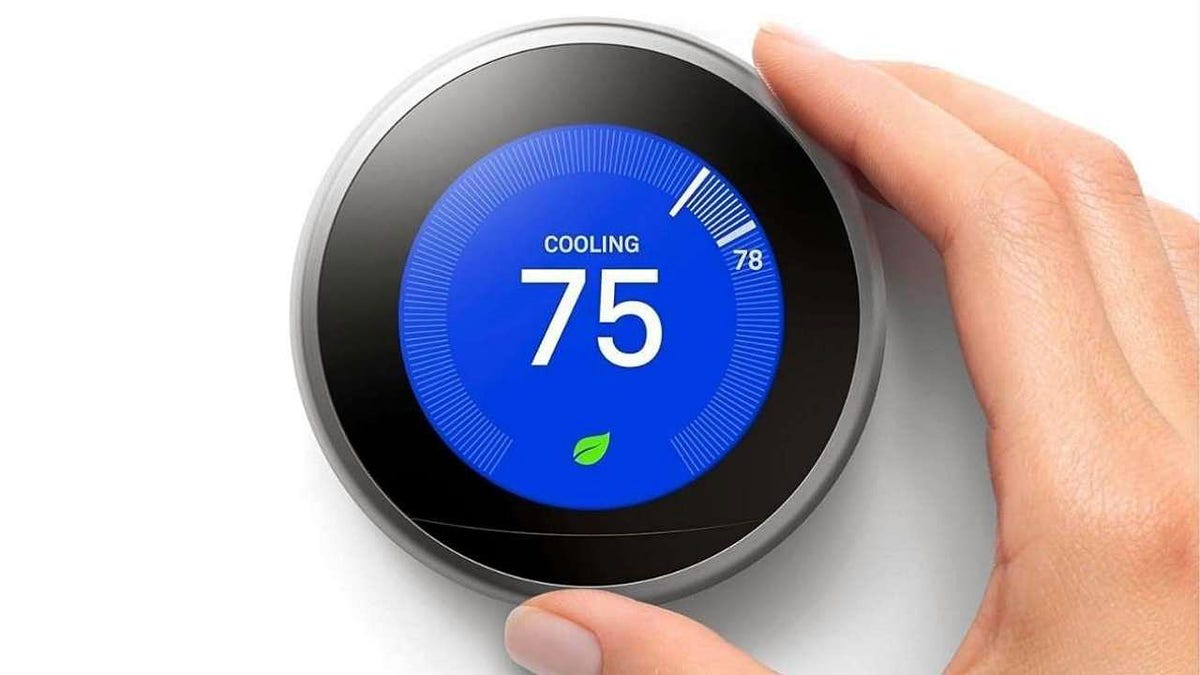
The first Nest Learning Thermostats still send sensor data to Google even after losing remote features. (Google)
Researcher finds unexpected data uploads from old Nest devices
Security researcher Cody Kociemba discovered this silent data stream after delving into the backend as part of a repair bounty challenge run by FULU, a right-to-repair group co-founded by electronics repair expert and YouTuber Louis Rossmann. The challenge asked developers to restore lost smart features to unsupported Nest devices. Kociemba partnered with the open source community and created No Longer Evil, software that returns smart functionality to these outdated thermostats.
While cloning the Google API to build the project, he suddenly received a flood of logs from client devices. That surprise led to a deeper look at what Google still collects.
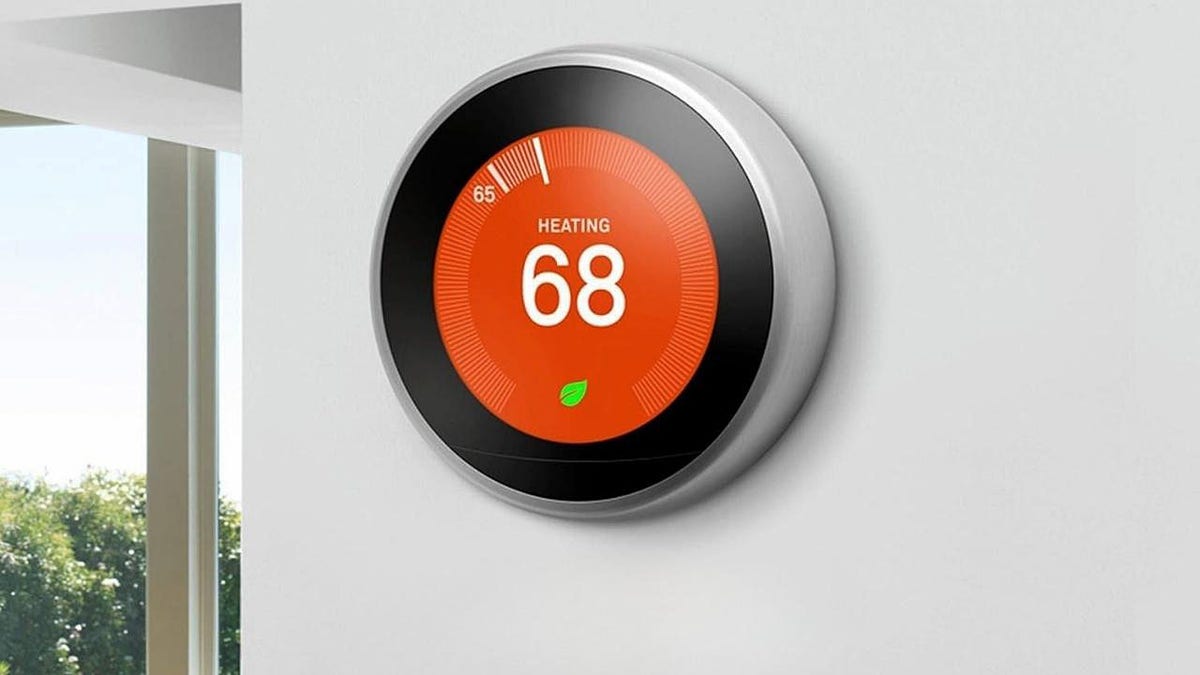
Researcher Cody Kociemba discovered the ongoing data uploads while creating a tool to restore smart functions. (Google)
What Nest Thermostats Keep Sending Google
Although the remote control no longer works, Kociemba discovered that the first Nest Learning Thermostats still upload a constant stream of sensor data to Google. This includes:
- Manual temperature changes
- If there is someone in the room
- When sunlight hits the device
- Temperature readings
- Humidity levels
- movement activity
- Ambient light data
Kociemba says the volume of logs was enormous. He disabled incoming data because he never expected the devices to stay connected to Google after the shutdown.
Google previously said that unsupported models will “continue to report logs to diagnose issues.” However, Kociemba notes that Google can no longer use that data to help customers because support has been completely discontinued. That makes the continuous flow of data even more disconcerting.
AI FAILURE LEAKED GMAIL DATA BEFORE OPENAI PATCH
CyberGuy reached out to Google for comment and a spokesperson provided us with the statement:
“The Nest Learning Thermostat (1st and 2nd generation) is no longer compatible with the Nest and Home apps, but temperature and scheduling adjustments can still be made directly on the unit. These devices will soon be unpaired and removed from all user accounts. Diagnostic logs, which are not tied to a specific user account, will continue to be sent to Google for service and issue tracking. Users who prefer to stop providing these logs can simply disconnect their device from Wi-Fi at through the device settings menu”.
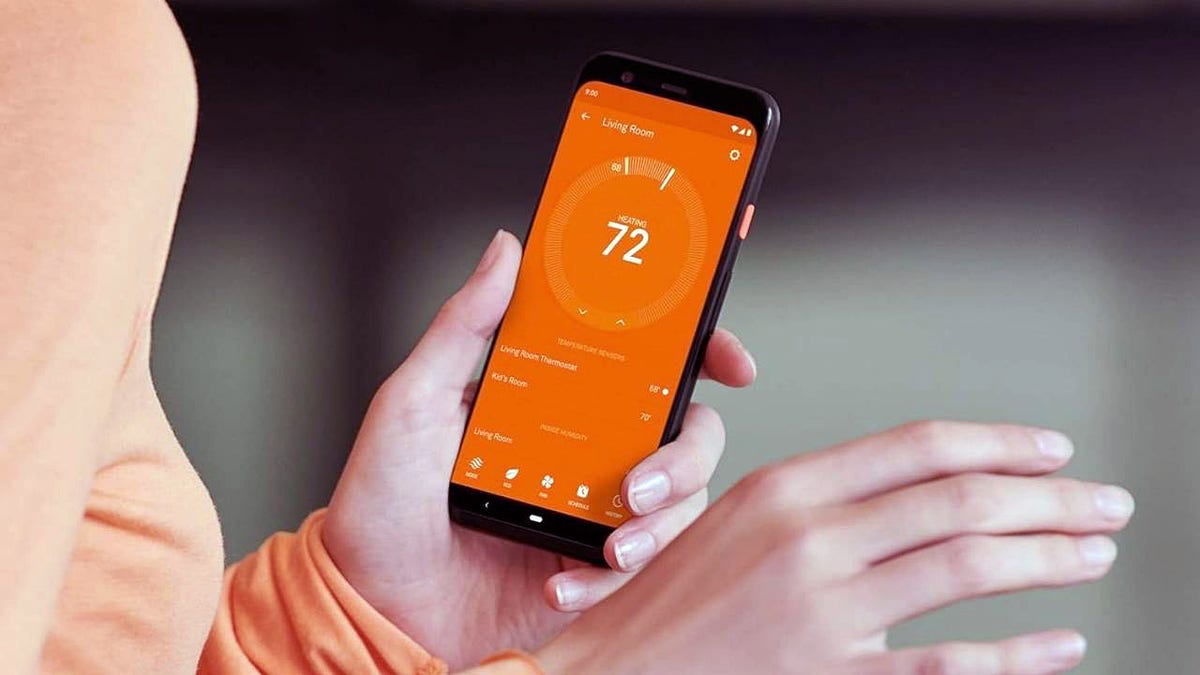
Thermostats continue to report temperature, motion, and light data even though official support has ended.
Why is this discovery important?
Google cut off access to remote control, security updates, software updates, and status checks through the Nest and Google Home apps. Owners can no longer rely on devices for key smart functions. However, thermostats still send data to Google, creating a one-way connection that helps the company more than the customer.
Users do not benefit from registrations because support has been discontinued. Google cannot use these logs to diagnose problems or offer help. That raises questions about transparency and user choice for people who assumed the connection had ended.
The FULU reward that sparked the discovery
The FULU bounty program encouraged developers to create tools that restore functionality to devices abandoned by their creators. After reviewing the submissions, FULU awarded Kociemba and another developer known as Team Dinosaur the top reward of $14,772 for returning smart features to early Nest models.
Their work highlights how community-driven repair efforts can keep useful devices alive. It also reveals how companies handle device data long after official support ends.
Ways to stay safe if you’re still using an old Nest thermostat
If you keep one of these unsupported Nest thermostats on your network, you can take a few simple steps to protect your privacy. These tips help reduce what your device sends to Google and reduce your exposure.
1) Check your Google account activity
Start by checking what Google has linked to your home devices. Visit myactivity.google.com and look for logs or thermostat events that you don’t expect.
2) Place the device on a separate Wi-Fi network
TO guest network Keeps the thermostat away from your main devices. This limits the reach of the thermostat and helps prevent wider access.
3) Block outgoing traffic when possible
Some routers allow you to prevent individual devices from sending data to the Internet. This cuts off logging loads while allowing the thermostat to control heating and cooling.
4) Disable remaining cloud features
If the device menu still offers cloud settings, disable anything related to remote access or online diagnostics. Even partial controls help reduce data flow.
5) Remove old device associations from your Google account
Check your connected devices in your Google settings. Delete any old Nest entries that no longer serve any purpose. This stops any leftover links that can still send data.
6) Adjust router settings that report device scans
Some routers send analytics to the router manufacturer. Disable cloud diagnostics to reduce the footprint of unsupported smart products.
7) Plan your replacement
Unsupported devices lose security updates. If you can’t isolate the thermostat on your network, consider upgrading to a model that still receives patches.
Pro Tip: Reduce Your Footprint with a Data Wipe Service
A data deletion service can help you reduce the amount of personal information available to data brokers. This adds another layer of privacy that supports the security of your smart home.
While no service can guarantee complete removal of your data from the Internet, a data deletion service is truly a smart choice. They are not cheap, and neither is your privacy. These services do all the work for you by actively monitoring and systematically deleting your personal information from hundreds of websites. It’s what gives me peace of mind and has proven to be the most effective way to delete your personal data from the Internet. By limiting the information available, you reduce the risk of scammers cross-referencing leak data with information they can find on the dark web, making it harder for them to target you.
Check out my top picks for data removal services and get a free scan to find out if your personal information is already available on the web by visiting Cyberguy.com.
Get a free scan to find out if your personal information is already available on the web: Cyberguy.com.
OVER 2 BILLION USERS FACE PHISHING RISKS AFTER GOOGLE DATA LEAK
Take my quiz: How safe is your online security?
Do you think your devices and data are really protected? Take this quick quiz to see where you stand digitally. From passwords to Wi-Fi settings, you’ll get a personalized breakdown of what you’re doing well and what you need to improve. Take my quiz here: Cyberguy.com.
Kurt’s Key Takeaways
The discovery that old Nest thermostats are still sending data to Google long after losing smart features gives homeowners a reason to take a closer look at their connected home. Unsupported devices can continue to communicate with servers even when the useful side of the relationship ends. Understanding what your devices share helps you make informed decisions about what stays on your network.
Would you continue using a device that still sends data to its manufacturer even after losing the features you paid for? Let us know by writing to us at Cyberguy.com.
CLICK HERE TO DOWNLOAD THE News APP
Sign up to receive my FREE CyberGuy report
Get my best tech tips, urgent security alerts, and exclusive offers delivered straight to your inbox. Plus, you’ll get instant access to my Ultimate Guide to Surviving Scams, free when you join me CYBERGUY.COM information sheet.
Copyright 2025 CyberGuy.com. All rights reserved.
Kurt “CyberGuy” Knutsson is an award-winning technology journalist with a deep love for technology, gear and devices that improve lives with his contributions to News and News Business since mornings on “News & Friends.” Do you have any technical questions? Get Kurt’s free CyberGuy newsletter, share your voice, a story idea or comment on CyberGuy.com.