



Smart Home Hacking Fears: What’s Real and What’s Exaggerated
NEWNow you can listen to News articles!
The news that more than 120,000 Korean home cameras have been hacked recently may shake your trust in connected devices. Stories like that make you imagine cybercriminals breaking into homes with high-tech devices and spying on families through smart cameras. That reaction is natural. But most of these headlines leave out important context that may help you breathe a little easier.
First of all, smart home hacking is rare. Most incidents are due to weak passwords or someone you already know, rather than a stranger with advanced tools. Today’s smart home brands release updates to block intrusion attempts, including patches for new AI-related vulnerabilities that often make headlines.
Let’s look at what really puts a smart home at risk and what you can do to stay safe.
Sign up to receive my FREE CyberGuy report
Get my best tech tips, urgent security alerts, and exclusive offers delivered straight to your inbox. Plus, you’ll get instant access to my Ultimate Guide to Surviving Scams, free when you join me CYBERGUY.COM fact sheet
SMART HOME DEVICE MANUFACTURER EXPOSES 2.7 BILLION RECORDS IN HUGE DATA BREACH
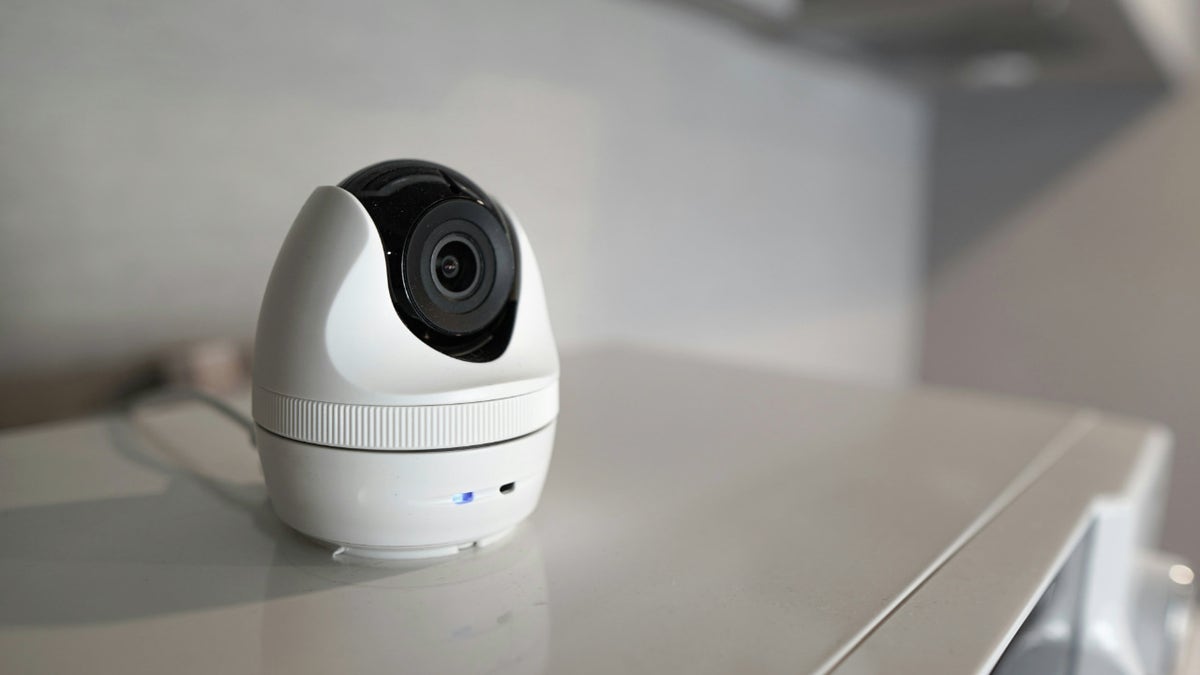
Headlines about smart home hacking may seem scary, but most threats come from weak passwords rather than targeted attacks. (Kurt “CyberGuy” Knutsson)
Why criminals don’t haunt your house with hacking equipment
Many people imagine cybercriminals driving around neighborhoods with scanners looking for vulnerable devices. In reality, Wi-Fi ranges and technical limits make this almost impossible. Even high-profile attacks on casinos and large businesses do not translate into criminals attempting to breach residential smart locks to commit petty thefts.
Thieves still choose low-tech methods. They look for open doors or easy entry points. They avoid complicated hacking tools because the reward is too small to justify the work.
So how do smart homes get hacked? These are the actual attack routes and how they work.
Common ways smart homes are attacked
Smart homes face a handful of digital threats, but most come from broad automated attacks rather than someone targeting your home.
1) Automated online attacks
Bots constantly scan the Internet for weak passwords and outdated logins. These brute force attacks throw billions of guesses at connected accounts. When one works, the device becomes part of a botnet used for future attacks. That doesn’t mean someone is targeting your house on purpose. Robots look for anything they can breach. A strong password stops them.
2) Phishing attempts
Some phishing emails impersonate smart home brands. Clicking on a fake link or sharing login details can open the door for criminals to access your network. Even a general phishing attack can expose your Wi-Fi information and lead to broader access.
3) Data breaches from IoT companies
Hackers typically attack company servers, not individual homes. These breaches can expose account details or camera footage stored in the cloud. Criminals can sell that data to other people who might try to use it. It rarely leads to a direct smart home hack, but it still puts your accounts at risk.
4) Attacks on device communications.
Early IoT devices had vulnerabilities that allowed criminals to intercept the data they sent and received. (IoT stands for Internet of Things and includes everyday connected devices such as smart plugs, smart thermostats or Wi-Fi cameras.) Modern products now use stronger encryption, making these attacks extremely rare in the real world.
5) Bluetooth malware
Bluetooth issues still arise from time to time, but most modern smart home devices use stronger security than older models. When a new flaw is discovered, companies often release quick patches, so it’s important to keep your apps and devices up to date. Nowadays, these Bluetooth risks rarely lead to real problems in the smart home.
ADT HACKED: IS YOUR HOME SECURITY SYSTEM REALLY SECURE?
Who is really trying to hack smart homes?
When a hack occurs, it usually involves someone who already has some level of access. In many cases, no technical hacking occurs.
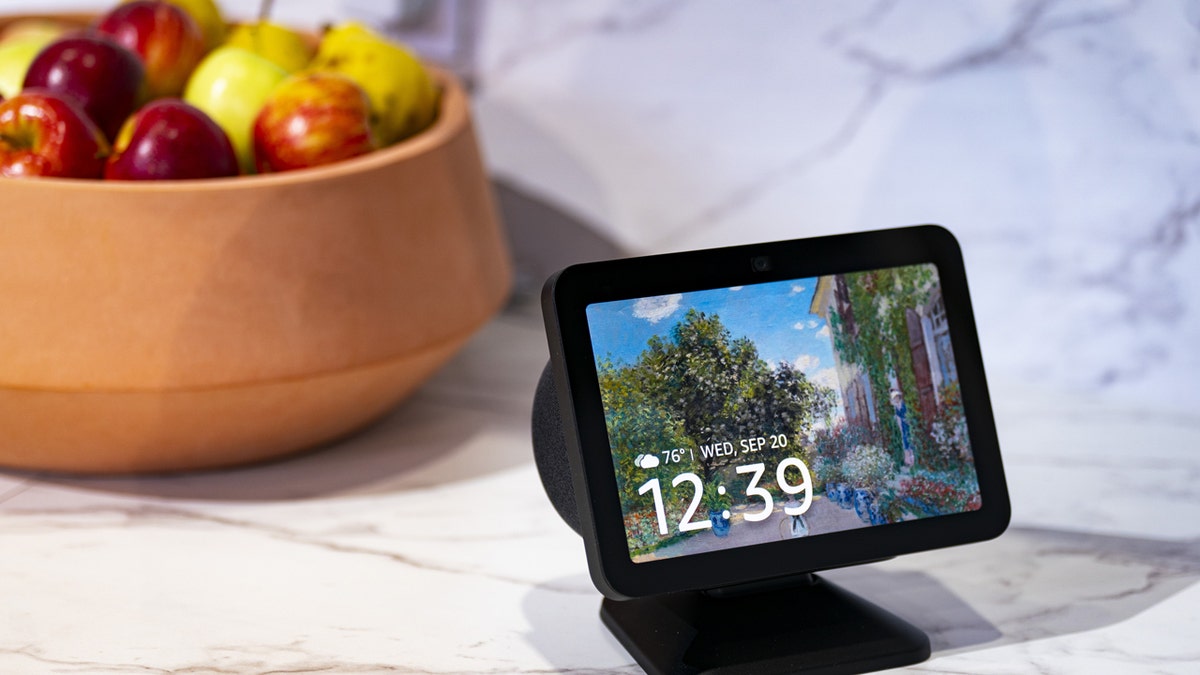
Simple steps like increased Wi-Fi security and regular updates go a long way to protecting connected devices. (Al Drago/Bloomberg via Getty Images)
A relative or acquaintance
Exes, former roommates, or family members often know the login information. They may try to spy or cause trouble. Update all passwords if you suspect this.
Untrustworthy employees
There have been cases where employees of security companies spied through cameras. This is not remote hacking. It is a misuse of internal access.
Data thieves
They steal account lists and login details to sell. Others may purchase those lists and attempt to log in with exposed credentials.
Blackmail Scammers
Some send fake messages claiming they hacked your cameras and threaten you. Most of these scams are based on lies because they do not have any access.
foreign governments
Some banned foreign manufacturers pose surveillance risks. The FCC maintains a list of companies that cannot sell security technology in the U.S. Always check that list before purchasing unknown brands.
Smart home devices that may raise concerns
Some everyday devices create small but real entry points for problems, especially when their settings or security features are overlooked.
Smart refrigerators
They often arrive with default passwords that owners forget to change. Older models may use outdated IoT protocols with weaker protections. Many do not receive frequent security updates.
wifi baby monitor
Wi-Fi offers convenience but also adds risk. Weak routers and poor passwords can allow strangers to access a feed. Closed network monitors avoid Wi-Fi risks but still face basic signal interception attempts.
smart bulbs
During installation, some bulbs transmit an open temporary network. If a criminal joins at the right time, they could reach the rest of your devices. These cases are rare but possible in theory.
Smart speakers
Kids or curious guests can take advantage of voice ordering. Set a purchase PIN so that no one can order items with simple voice commands.
Steps to stay safe in your smart home
Solid habits and a few simple tools can block the most common threats targeting connected homes.
1) Use strong passwords
Choose long, complex passwords for your Wi-Fi router and smart home apps. A password manager makes this simple. Consider using a password manager, which stores and generates complex passwords securely, reducing the risk of password reuse.
Next, check to see if your email has been exposed in previous breaches. Our number one password manager (see Cyberguy.com) includes a built-in breach scanner that checks to see if your email address or passwords have appeared in known breaches. If you discover a match, immediately change any reused passwords and protect those accounts with new, unique credentials.
Check out the best expert-reviewed password managers of 2025 at Cyberguy.com
2) Activate two-factor authentication
Brands like Ring and Blink already use it. Add two-factor authentication (2FA) to each account that supports it.
3) Use a reputable data removal service
Removing your personal data from data broker sites helps prevent criminals from using leaked or extracted information to access your accounts or identify your home.
While no service can guarantee complete removal of your data from the Internet, a data deletion service is truly a smart choice. They are not cheap, and neither is your privacy. These services do all the work for you by actively monitoring and systematically deleting your personal information from hundreds of websites. It’s what gives me peace of mind and has proven to be the most effective way to delete your personal data from the Internet. By limiting the information available, you reduce the risk of scammers cross-referencing leak data with information they can find on the dark web, making it harder for them to target you.
Check out my top picks for data removal services and get a free scan to find out if your personal information is already available on the web by visiting Cyberguy.com
Get a free scan to find out if your personal information is already available on the web: Cyberguy.com
4) Add powerful antivirus software on phones and computers
Strong antivirus protection blocks malware that could expose login data or give criminals a path into the devices that manage your smart home. The best way to protect yourself from malicious links that install malware and potentially access your private information is to have powerful antivirus software installed on all your devices. This protection can also alert you to phishing emails and ransomware scams, keeping your personal information and digital assets safe.
Get my picks for the best antivirus protection winners of 2025 for your Windows, Mac, Android, and iOS devices at Cyberguy.com
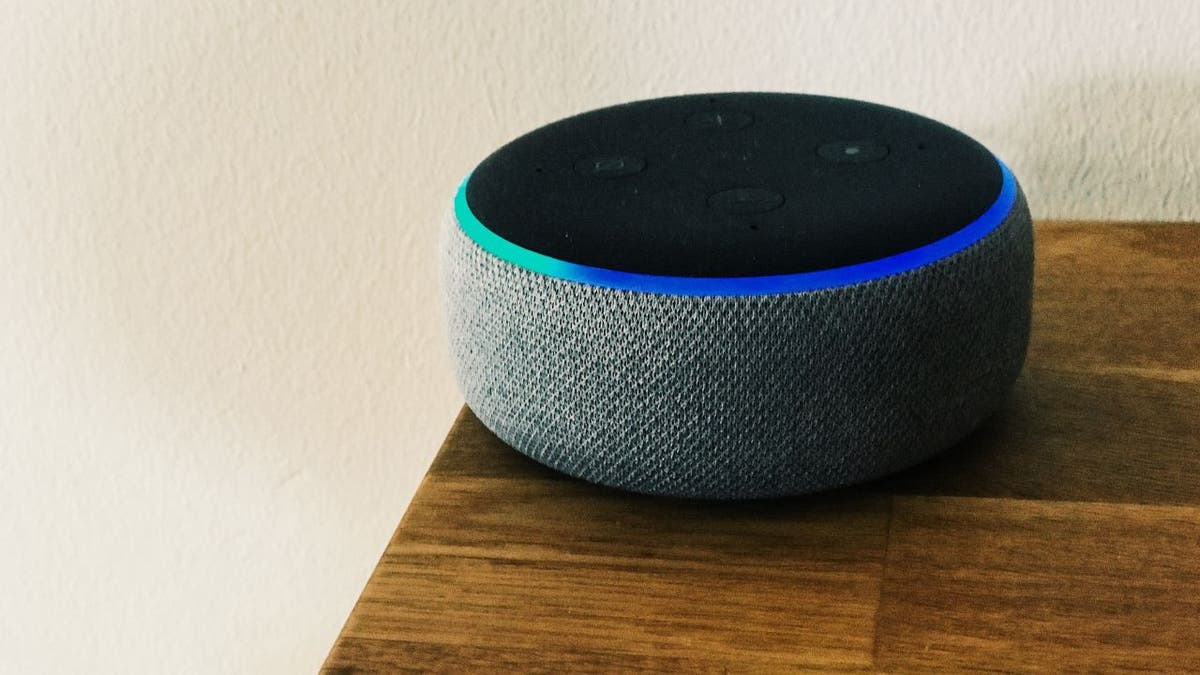
Choosing brands with clear privacy practices and local storage options helps keep your home and your data under control. (CyberGuy.com)
5) Choose brands with strong encryption
Choose smart home products from companies that explain how they protect your data and use modern encryption to lock down your images and account details. Look for brands that post clear security policies, offer regular updates, and show how they keep your information private.
6) Store sensitive images locally
Choose security cameras that let you save video directly to an SD card or home hub, rather than uploading to the cloud. This keeps your recordings under your control (and helps protect them if a company server is breached). Many reliable line cameras support local storage, so it is not necessary to depend on a company server.
7) Keep devices up to date
Install firmware updates quickly. Enable automatic updates when possible. Replace older devices that are no longer patched.
8) Secure your Wi-Fi
Your router is the gateway to your smart home, so lock it down with a few simple adjustments. Use WPA3 encryption if your router supports it, change the default network name, and install firmware updates to patch security holes. For a complete step-by-step guide on how to harden your home network, check out our instructions on “How to Set Up a Home Network Like a Pro.”
Kurt’s Key Takeaways
Smart homes are intimidating when scary headlines appear. But when you look at real-world data, you see far fewer risks than the stories suggest. Most attacks rely on weak passwords, poor router configurations, or old devices. With the right habits, your smart home can remain comfortable and secure.
What smart home risk are you most worried about, and what part of your setup makes you nervous? Let us know by writing to us at Cyberguy.com
CLICK HERE TO DOWNLOAD THE News APP
Sign up to receive my FREE CyberGuy report Get my best tech tips, urgent security alerts, and exclusive offers delivered straight to your inbox. Plus, you’ll get instant access to my Ultimate Guide to Surviving Scams, free when you join me CYBERGUY.COM fact sheet
Copyright 2025 CyberGuy.com. All rights reserved.
Kurt “CyberGuy” Knutsson is an award-winning technology journalist with a deep love for technology, gear and devices that improve lives with his contributions to News and News Business since mornings on “News & Friends.” Do you have any technical questions? Get Kurt’s free CyberGuy newsletter, share your voice, a story idea or comment on CyberGuy.com.