



Why clicking the wrong Copilot link could put your data at risk
NEWNow you can listen to News articles!
AI assistants are supposed to make life easier. Tools like Microsoft Copilot can help you write emails, summarize documents, and answer questions using information from your own account. But security researchers now warn that a single bad link could quietly turn that convenience into a privacy risk.
A newly discovered attack method shows how attackers could hijack a Copilot session and siphon data without you seeing anything suspicious on the screen.
Sign up to receive my FREE CyberGuy report
Get my best tech tips, urgent security alerts, and exclusive offers delivered straight to your inbox. Plus, you’ll get instant access to my Ultimate Guide to Surviving Scams, free when you join me CYBERGUY.COM information sheet.
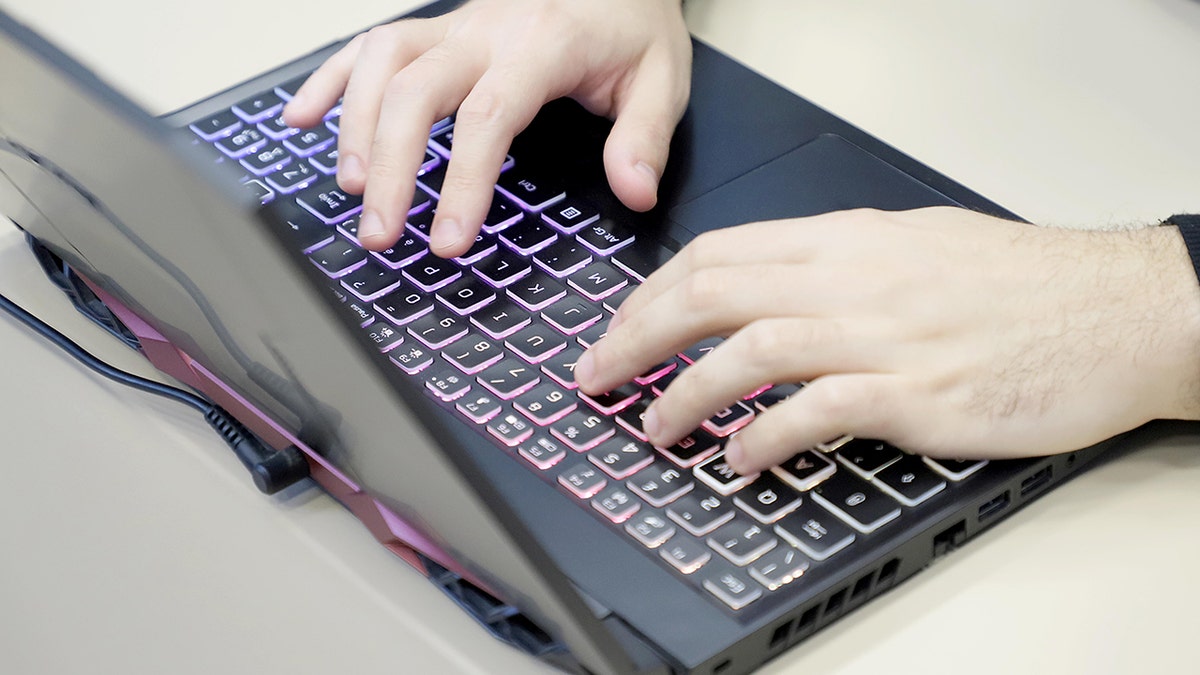
Because Copilot remains tied to your signed-in Microsoft account, attackers can silently use your active session to access data in the background. (Photo by Donato Fasano/Getty Images)
What researchers discovered about Copilot links
ILLINOIS DHS DATA BREACH EXPOSES RECORDS OF 700,000 RESIDENTS
Varonis security researchers discovered a technique they call “Reprompt.” In simple terms, it shows how attackers could insert instructions into a normal-looking Copilot link and have the AI do things on their behalf.
Here’s the part that matters to you: Microsoft Copilot is connected to your Microsoft account. Depending on how you use it, Copilot can see your past conversations, things you’ve asked it, and certain personal data linked to your account. Typically, Copilot has security barriers to prevent sensitive information from being leaked. Reprompt showed a way to get around some of those protections.
The attack starts with a single click. If you open a specially crafted Copilot link sent via email or message, Copilot may automatically process hidden instructions embedded within the link. You don’t need to install anything and there are no pop-ups or warnings. After that single click, Copilot can continue responding to instructions in the background using your already logged in session. Even closing the Copilot tab does not immediately stop the attack, because the session remains active for a while.
How repetition works
Varonis discovered that Copilot accepts questions through a parameter within its web address. Attackers can hide instructions within that address and have Copilot execute them as soon as the page loads.
That alone would not be enough, because Copilot tries to block data leaks. The researchers combined several tricks to solve this problem. First, they injected instructions directly into Copilot via the link itself. This allowed Copilot to read information that it normally shouldn’t share.
Secondly, they used the “try twice” trick. Copilot applies stricter controls the first time it responds to a request. By telling Copilot to repeat the action and verify itself again, the researchers discovered that those protections could fail on the second try.
Third, they demonstrated that Copilot could still receive tracking instructions from a remote server controlled by the attacker. Each Copilot response helped generate the next request, allowing data to be sent silently piece by piece. The result is an invisible back-and-forth in which Copilot continues to work for the attacker using its session. From your perspective, nothing seems wrong.
MICROSOFT SOUNDS THE ALARM AS HACKERS TURN THE TEAMS PLATFORM INTO ‘REAL-WORLD DANGERS’ FOR USERS
Varonis responsibly reported the issue to Microsoft and the company fixed it in the January 2026 Patch Tuesday updates. There is no evidence that Reprompt was used in real-world attacks prior to the fix. Still, this research is important because it shows a larger problem. AI assistants have access, memory, and the ability to act on your behalf. That combination makes them powerful, but also risky if protections fail. As the researchers point out, the danger increases when autonomy and access come together.
It’s also worth noting that this issue only affected Copilot Personal. Microsoft 365 Copilot, which is used by businesses, has additional layers of security such as auditing, data loss prevention, and administrative controls.
“We thank Varonis Threat Labs for responsibly reporting this issue,” a Microsoft spokesperson told CyberGuy. “We have implemented protections that address the scenario described and are implementing additional measures to strengthen safeguards against similar techniques as part of our defense in depth approach.”
8 steps you can take to stay safe from AI attacks
Even with the solution in place, these habits will help protect your data as AI tools become more common.
1) Install Windows and browser updates immediately
Security fixes only protect you if they are installed. Attacks like Reprompt rely on flaws that already have patches available. Turn on automatic updates for Windows, Edge, and other browsers so you don’t delay critical fixes. Waiting weeks or months leaves a window in which attackers can still exploit known weaknesses.
2) Treat Copilot and AI links as login links
If you wouldn’t click on a random link to reset your password, don’t click on unexpected Copilot links either. Even links that look official can be weaponized. If someone sends you a Copilot link, pause and ask yourself if you were expecting it. If in doubt, open Copilot manually.

Even after Microsoft fixed the flaw, the research highlights why limiting data exposure and monitoring account activity remains important as AI tools evolve. (Photographer: Prakash Singh/Bloomberg via Getty Images)
3) Use a password manager to protect your accounts
A password manager creates and stores strong, unique passwords for each service you use. If attackers manage to access session data or steal credentials indirectly, one-time passwords prevent a breach from unlocking your entire digital life. Many password managers also warn you if a site looks suspicious or fake.
Next, check to see if your email has been exposed in previous breaches. Our #1 pick for password manager includes a built-in breach scanner that checks to see if your email address or passwords have appeared in known breaches. If you discover a match, immediately change any reused passwords and protect those accounts with new, unique credentials.
Check out the best expert-reviewed password managers of 2026 at Cyberguy.com.
4) Enable two-factor authentication on your Microsoft account
Two-factor authentication (2FA) adds a second layer of protection, even if attackers gain partial access to your session. It forces an additional verification step, usually through an app or device, making it much more difficult for someone else to act as you within Copilot or other Microsoft services.
5) Reduce the amount of personal data that exists online
Data broker sites collect and resell personal data such as your email address, phone number, home address, and even employment history. If an AI tool or account session is abused, that publicly available data can make the damage worse. Using a data deletion service helps remove this information from brokers’ databases, reducing their digital footprint and limiting what attackers can reconstruct.
Check out my top picks for data removal services and get a free scan to find out if your personal information is already available on the web by visiting Cyberguy.com.
Get a free scan to find out if your personal information is already available on the web: Cyberguy.com.
6) Run powerful antivirus software on your device
Modern antivirus tools do more than scan files. They help detect phishing links, malicious scripts, and suspicious behavior related to browser activity. Since Reprompt-style attacks begin with a single click, having real-time protection can stop you before damage occurs, especially when the attacks appear legitimate.
The best way to protect yourself from malicious links that install malware and potentially access your private information is to have powerful antivirus software installed on all your devices. This protection can also alert you to phishing emails and ransomware scams, keeping your personal information and digital assets safe.
Get my picks for the best antivirus protection winners of 2026 for your Windows, Mac, Android, and iOS devices at Cyberguy.com.
7) Periodically review your account activity and settings.
Check your Microsoft account activity for unknown logins, locations, or actions. Review what services Copilot can access and revoke anything you no longer need. These checks don’t take much time, but they can reveal problems early, before attackers have time to cause serious damage. Here’s how:
Gonna account.microsoft.com and sign in to your Microsoft account.
Select Securitythen choose View my login activity and verify your identity if requested.
Review every login for unknown locations, devices, or failed login attempts.
If you see something suspicious, select this was not me either Secure your accountso change your password immediately and enable two-step verification.
Visit account.microsoft.com/devices and remove any devices you no longer recognize or use.
In Microsoft Edge, open Settings > Appearance > Copilot and sidebar > Copilot and turn off Allow Microsoft to access page content if you want to limit Copilot access.
Review the apps connected to your Microsoft account and revoke permissions you no longer need.

A single Copilot link may contain hidden instructions that execute the moment you click, without warnings or pop-ups. (iStock)
8) Be specific about what you ask AI tools to do
Avoid giving AI assistants broad authority such as “handle whatever is necessary.” Broad permissions make it easy for hidden instructions to influence results. Keep requests limited and task-focused. The less freedom an AI has, the harder it will be for malicious cues to direct it in silence.
Kurt’s Key Takeaway
The repeat warning doesn’t mean Copilot isn’t safe to use, but it does show how much trust these tools require. When an AI assistant can think, remember, and act for you, even a single wrong click can matter. Keeping your system up to date and being selective about what you click is still as important in the age of AI as it was before.
Are you comfortable allowing AI assistants to access your personal data or does this make you more cautious? Let us know by writing to us at Cyberguy.com.
CLICK HERE TO DOWNLOAD THE News APP
Sign up to receive my FREE CyberGuy report
Get my best tech tips, urgent security alerts, and exclusive offers delivered straight to your inbox. Plus, you’ll get instant access to my Ultimate Guide to Surviving Scams, free when you join me CYBERGUY.COM information sheet.
Copyright 2026 CyberGuy.com. All rights reserved.
Kurt “CyberGuy” Knutsson is an award-winning technology journalist with a deep love for technology, gear and devices that improve lives with his contributions to News and News Business since mornings on “News & Friends.” Do you have any technical questions? Get Kurt’s free CyberGuy newsletter, share your voice, a story idea or comment on CyberGuy.com.