



Why parents may want to delay smartphone use for their children?
NEWNow you can listen to News articles!
Parents around the world struggle with a big question. What is the right age to let a child have a smartphone?
Tweens ask for it long before many adults feel ready. At the same time, researchers continue to sound the alarm about how early access can influence health and behavior. Now, a large new study gives parents even more to think about.
Published in Pediatrics, the research followed more than 10,500 children in the National Adolescent Cognitive Brain Development Study. It found strong links between early smartphone ownership and higher odds of depression, obesity and poor sleep at age 12. The earlier children acquired a phone, the greater their risk.
Sign up to receive my FREE CyberGuy report
Get my best tech tips, urgent security alerts, and exclusive offers delivered right to your inbox. Plus, you’ll get instant access to my Ultimate Guide to Surviving Scams, free when you join me CYBERGUY.COM information sheet.
What the study reveals about early smartphone ownership
The study compared 12-year-old children who owned smartphones with those who did not. Children with phones were more likely to show signs of depression, be overweight and sleep less than their peers without devices. The researchers found that these patterns held even after taking into account income, neighborhood, parental monitoring, and other factors.
TEENS TURN TO AI IN SEARCH OF LOVE AND COMFORT

Parents can reduce these risks by delaying device use, setting limits, and keeping phones out of bedrooms at night. (Kurt “CyberGuy” Knutsson)
They also looked at children who still didn’t have a phone at age 12. A year later, those who had finally received one showed more mental health problems and worse sleep than those who did not yet have a device. These changes occurred quickly, raising concerns about how powerful the change may be.
Lead author Dr. Ran Barzilay explained that parents should treat the decision as a true health milestone. A device changes the way children sleep, move and socialize. That combination can create more tension for a 12-year-old than for a 16-year-old, who has more maturity and self-regulation.
Why age matters more than many parents expect
Research shows an association, not a direct cause. However, the patterns are consistent with previous findings. Kids with smartphones tend to stay up late, scroll more, and move less. That combination can alter physical health and emotional well-being. Adolescence is a sensitive time when small changes in sleep or mood can have lasting effects.
Experts also noted that almost all teenagers now have access to smartphones. That makes the decision even more difficult for families who want to delay it. Still, researchers say the data is strong enough to guide parents to wait when possible. Parents don’t need perfect evidence to choose a slower timeline.
Pediatric mental health experts warn that a smartphone is not a simple tool. Open the entire Internet without natural limits. Families need clear rules and protections, and those steps require real work on the part of adults. Many parents feel pressured to hand over a device early, but the expert urged families to trust their instincts when deciding when.
The Sleep Connection Families Can’t Ignore
Most experts agree that phones disrupt sleep. A large proportion of tweens keep devices in their bedrooms, resulting in late-night scrolling and late-night notifications. Even the brightness of the screen can make it difficult to fall asleep.
Researchers studying teen sleep and screen-viewing habits have found that many 11- to 12-year-olds keep devices within reach at night, and a notable percentage report being woken up by notifications. Experts in this field urge parents to remove phones from bedrooms at night because better sleep can reduce some of the risks associated with early access to smartphones.
EVEN THE FUTURE KING DISCOVERS THAT SMARTPHONES ARE A REAL PAIN FOR CHILDREN AND PARENTS
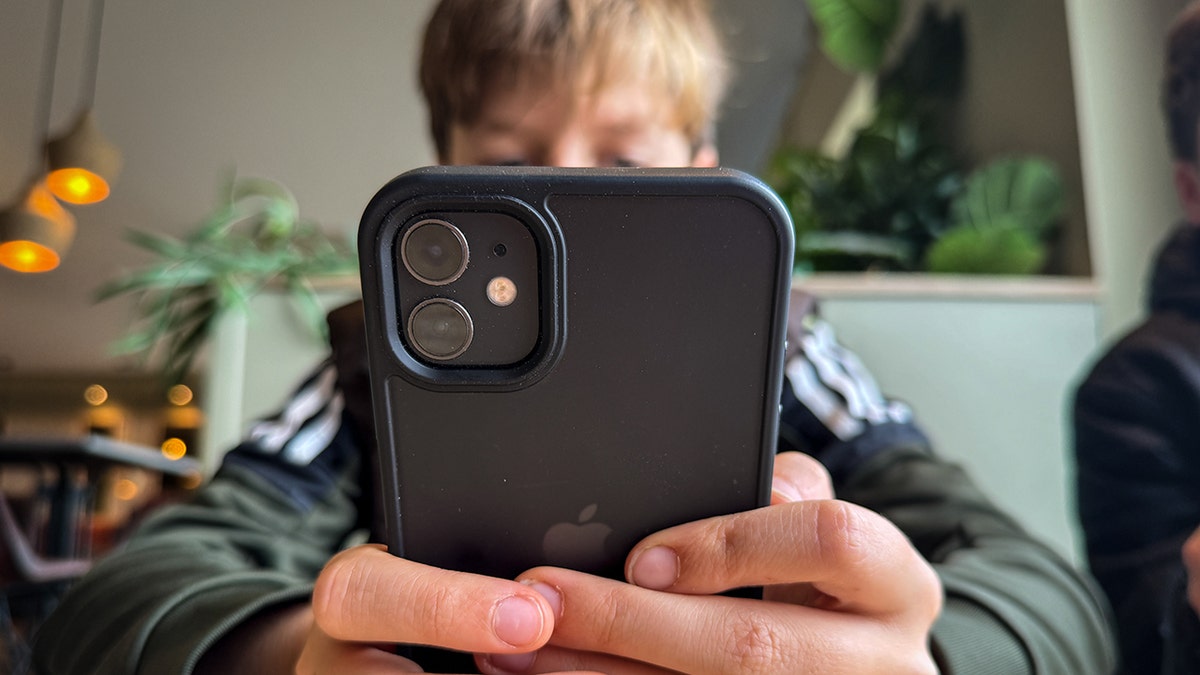
The researchers found that children who received phones earlier showed more mental health stress within a year. (Matt Cardy/Getty Images)
The challenge is consistency. Many parents struggle to set rules when screens support schoolwork, friendships, and safety. However, researchers emphasize that even a limit, such as not having phones in bedrooms, can protect sleep and reduce stress.
How parents can use this information right now
No one wants to embarrass parents who have already given their children a phone. Many families made the decision due to safety or communication needs. The study does not claim that all early smartphone users will face health problems. It simply highlights patterns worth considering before making the decision. Parents can use this knowledge to create a healthier plan.
1) Delay smartphone use until children are ready
Preparation is more than age. Look for consistent accountability with chores, homework, and device-free rules on other screens.
2) Set clear family rules for screen time
Children follow rules when they understand why they exist. Set boundaries that work for your home and adjust them as schedules and needs change.
3) Keep devices out of bedrooms at night
Late night use and notifications disrupt sleep. A “charging station” in the kitchen or living room solves this problem quickly.
4) Talk frequently about online safety and emotional well-being.
Short, regular check-ins work better than a long conversation. Keep your tone open and supportive.
5) Use parental controls and app limits
Mobile phones give parents easy tools to manage what children can see and when they can use their devices.
TEENS FACE NEW PG-13 LIMITS ON INSTAGRAM
How to Set Healthy Boundaries on an iPhone
Set downtime
- Open Settings
- Tap Screen time
- Select Lack of time
- Activate Programmed
- Scroll down and set asschedule where only essential applications are allowed
Use app limits
- Gonna Settings
- Tap Screen time
- Select application limits
- Tap Add limit set daily time limits for social applications, videos and games
- Click Next and set the Time and customize days
- Click Check mark in the upper right corner
Restrict adult content
- Open Settings
- Tap Screen time
- Select Content and privacy restrictions
- Light Content and privacy restrictions
- Tap App Store, Media, Web and games
- Select web content
- Select Limit adult websites
How to set healthy limits on Android
Set Digital Wellbeing Boundaries
YesSettings may vary depending on your android phonethe manufacturer
- Open Settings
- Tap Digital Wellbeing and Parental Controls
- Select Panel
- Choose a application
- Tap App timer and set a daily limit
Enable Google Family Link
YesSettings may vary depending on the manufacturer of your Android phone.
- Open the family link app on main device
- Add your child’s Google account
- Place application approvals
- Restrict content using Filters on Google Play
- Allow location and activity reports
Turn on SafeSearch (blocks explicit results on Google Search)
YesSettings may vary depending on the manufacturer of your Android phone.
- Open the google app or go to google.com
- touch your profile photo
- Select Settings
- Tap Saearca
- Light Filter explicit results
Strengthen browser protection in Chrome
YesSettings may vary depending on the manufacturer of your Android phone.
- Open Chrome
- Touch the three points
- Select Settings
- Tap Privacy and security
- Select Safe browsing
- Choose Enhanced protection
- Click Left arrow to go out.
Experts who study youth mental health emphasize that the issue is not fear. It’s preparation. Well-thought-out rules, controlled access, and early limits can reduce the risks associated with early smartphone ownership. Small changes make a big difference when children are still developing the habits that shape their health.
Pro Tip: Add Device Protection
Children download apps, click on links, and explore online spaces that can expose them to harmful content or scams. Powerful antivirus software adds an extra layer of protection by blocking risky sites and unsafe downloads. Helps keep your device safer while you work on healthy screen habits.
The best way to protect your children’s devices from malicious links that install malware and potentially access their private information is to have powerful antivirus software installed on all of their devices. This protection can also alert them to phishing emails and ransomware scams, keeping their personal information and digital assets safe.
Get my picks for the best 2025 antivirus protection winners for your kids’ Windows, Mac, Android, and iOS devices at Cyberguy.com.
Take my quiz: How safe is your online security?
Do you think your devices and data are really protected? Take this quick quiz to see where you stand digitally. From passwords to Wi-Fi settings, you’ll get a personalized breakdown of what you’re doing well and what you need to improve. Take my quiz here: Cyberguy.com.
Kurt’s Key Takeaways
Smartphones provide connection, opportunity and convenience. They also introduce stress distractions and real health challenges for younger users. I investigate them nes continue to show that age matters. A 12-year-old may not be cut out for the same digital world that a 16-year-old can handle with more confidence and self-control. Families don’t need guilt. They need facts and support so they can choose what fits their values. As more data comes in, the message becomes clearer. Slowing down can give children the best opportunity to thrive online and offline.
At what age do you think is the right age to have your first smartphone? Let us know by writing to us at Cyberguy.com.
Sign up to receive my FREE CyberGuy report
Get my best tech tips, urgent security alerts, and exclusive offers delivered right to your inbox. Plus, you’ll get instant access to my Ultimate Guide to Surviving Scams, free when you join me CYBERGUY.COM information sheet.
Copyright 2025 CyberGuy.com. All rights reserved.
Kurt “CyberGuy” Knutsson is an award-winning technology journalist with a deep love for technology, gear and devices that improve lives with his contributions to News and News Business since mornings on “News & Friends.” Do you have any technical questions? Get Kurt’s free CyberGuy newsletter, share your voice, a story idea or comment on CyberGuy.com.